How it works
- Find your filament
- Pick printer and nozzle
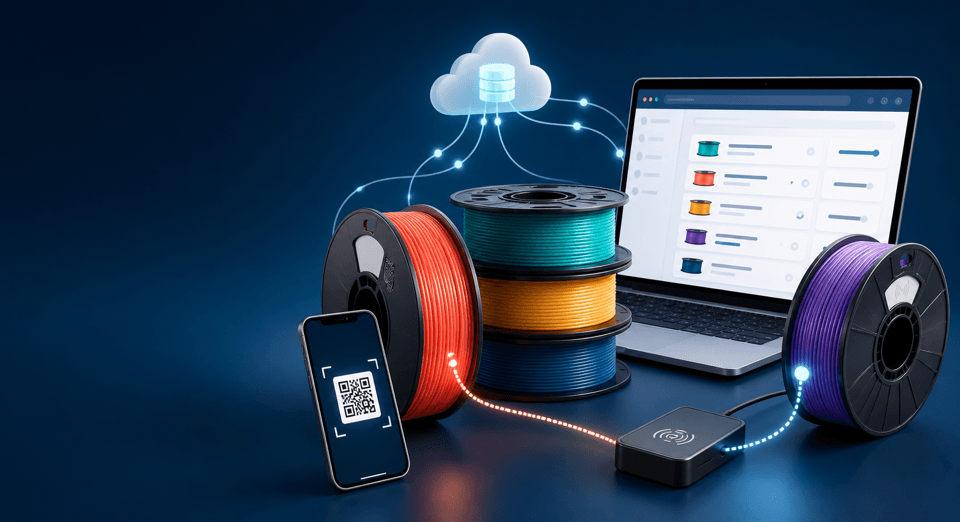
- Identify the spool (manual, QR or RFID)
- Print with the matching profile
Identify every spool
Manual selection, QR labels and RFID are equal options. Use whatever fits your setup—no special hardware is required.
Profiles that fit your printer
Measured community calibrations refine flow, PA and printer-specific behaviour when available. Until then, OpenFilament builds a labeled starter from this filament’s manufacturer/catalog values plus printer-class averages — usually a better start than Generic PLA. Marked as calculated until the community measures it.
Until you choose otherwise, we highlight 0.4 mm nozzle profiles.
My Spools Cloud
Cloud synchronizes inventory and history, but payment does not make an unsupported printer compatible.
Open filament catalog
A sample of brands and materials from the open catalog. Search for colours, SKUs, manufacturer temps and profiles — brand filament data is already a usable first setting.
Featured materials
- Abaflex PLA · PLA · 7 variants
- Add-North ESD PETG · PETG · 1 variants
- Add-North ABS · ABS · 1 variants
Recently added
- GST3D PETG-CF · PETG_CF · 1 variants
- GST3D 93A · TPU · 6 variants
- GST3D Silk · PLA · 11 variants
- GST3D ASA · ASA · 2 variants
- Hatchbox Sparkle · PLA · 6 variants
- Hatchbox Transparent · PLA · 7 variants
Most complete catalog entries
- Protopasta PLA · PLA · 93 variants
- AzureFilm PLA · PLA · 82 variants
- Atomic Filament PLA · PLA · 79 variants
12
Share your measurements
Publish a calibration so the next person prints better. Free to use, open by design, browser-first.